Sign into a work computer or iPad.
Select an Internet Browser like Chrome on a Desktop or Safari App on an iPad.

Navigate to the https://portal.office.com
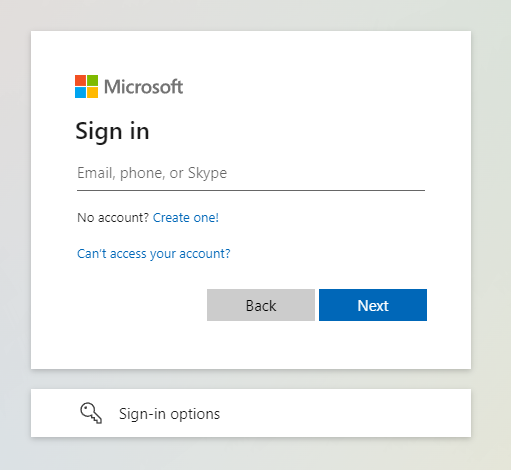
Enter your Mutual Aid email address and Click Next.
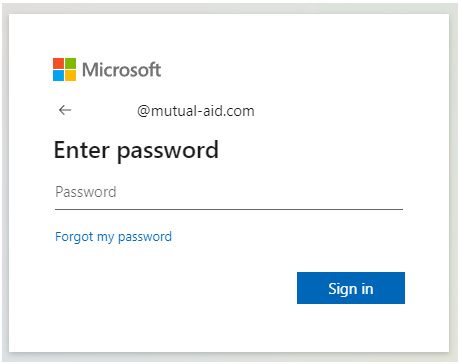
Enter your Email Password.
Click Sign in
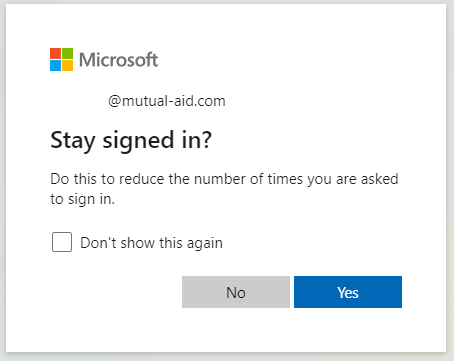
If you are on an iPad: Check the box and Click No. This prevents someone else can access your email.
If you are on a Desktop signed in as yourself: You can check the box and Click Yes.
Select the Outlook App highlighted below.
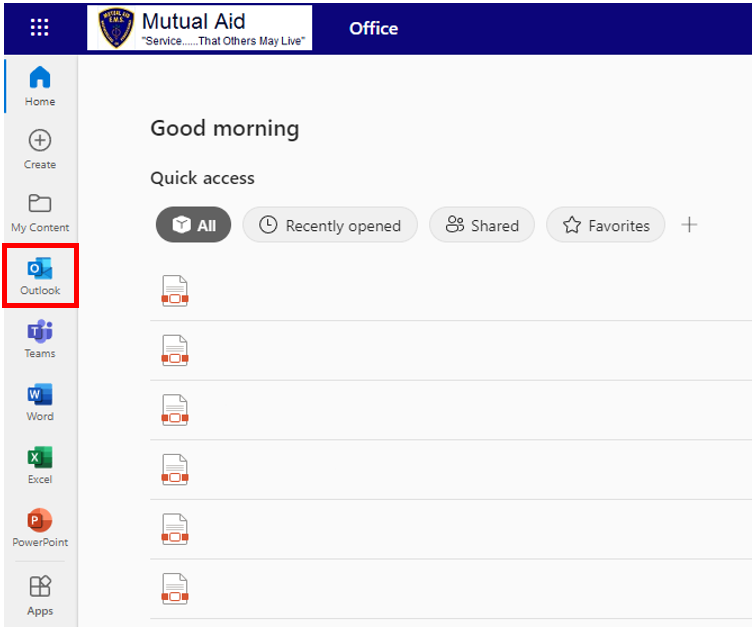
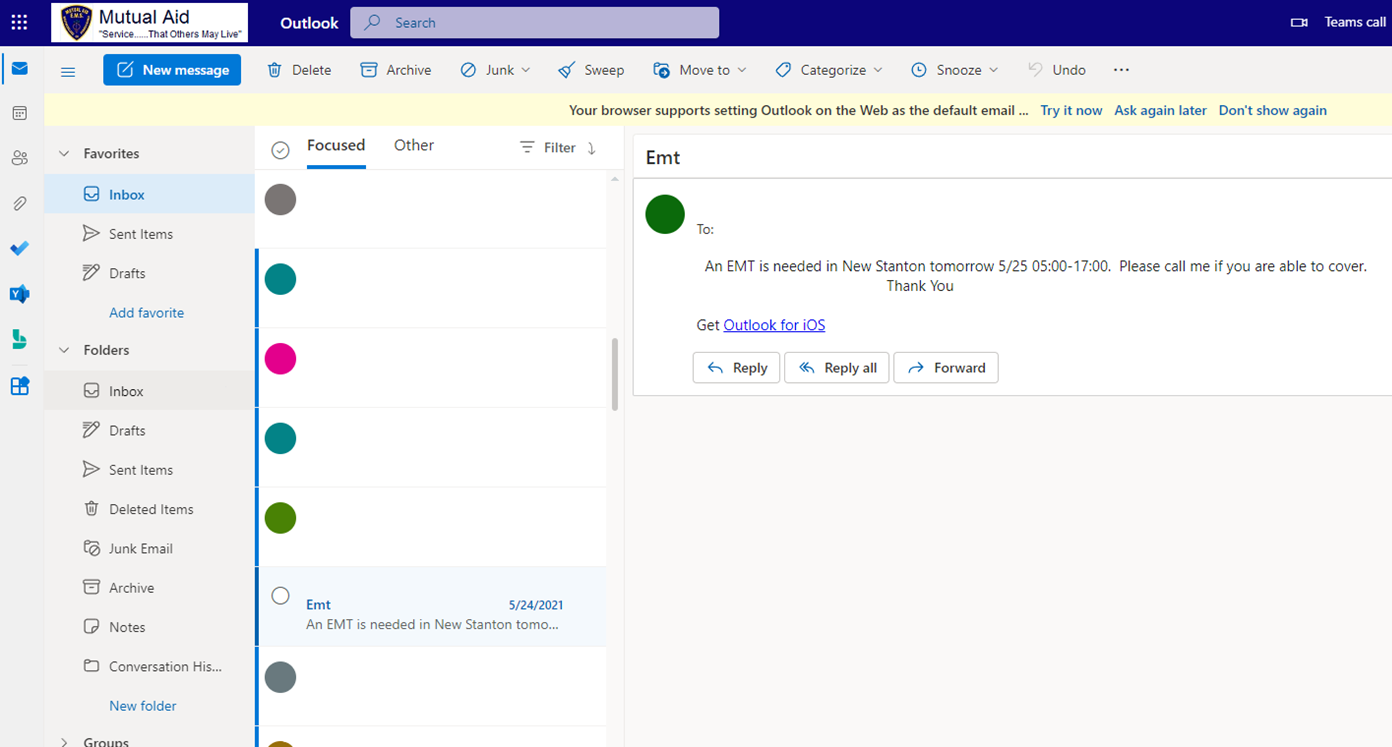
You are signed in!
If you are using an iPad, please sign out when you are finished.
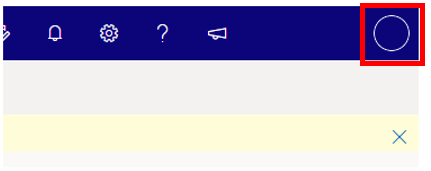
Click your initials in the circle in the top right of the window.
Click Sign out.
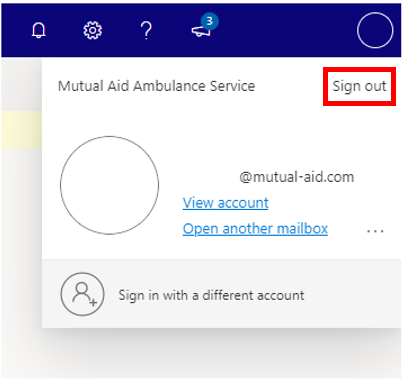
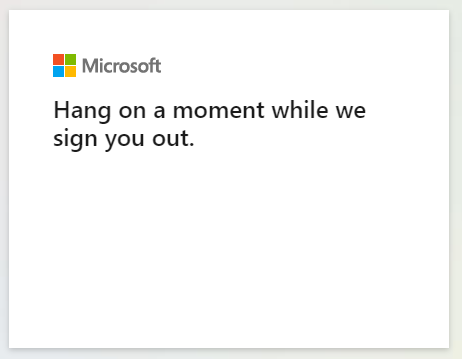
Wait for Microsoft to sign you out.
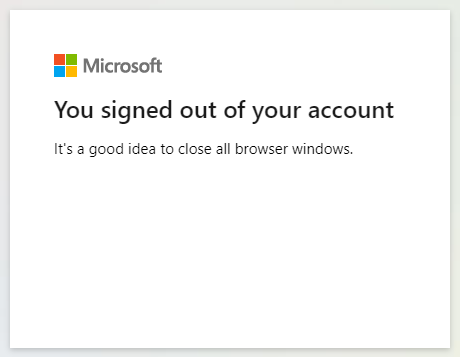
Close your Internet Browser.
Was this article helpful?
That’s Great!
Thank you for your feedback
Sorry! We couldn't be helpful
Thank you for your feedback
Feedback sent
We appreciate your effort and will try to fix the article