
You will need to log into the Samsara Driver dashboard occasionally to check your inbox and monitor your Samsara Driver Score.
Navigate to this website.
https://cloud.samsara.com/signin_driver
Enter the Fleet ID pictured below. Click/Tap Sign In. (Fleet ID: mutual-aid-ems )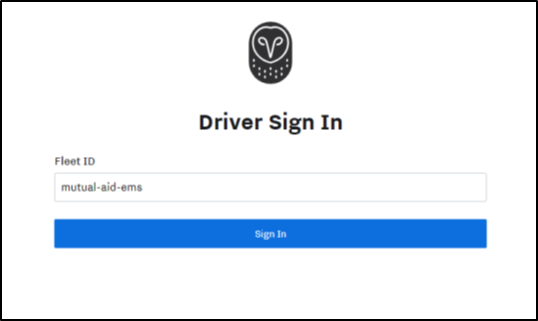
Enter your Username and Password. Click/Tap Sign In. 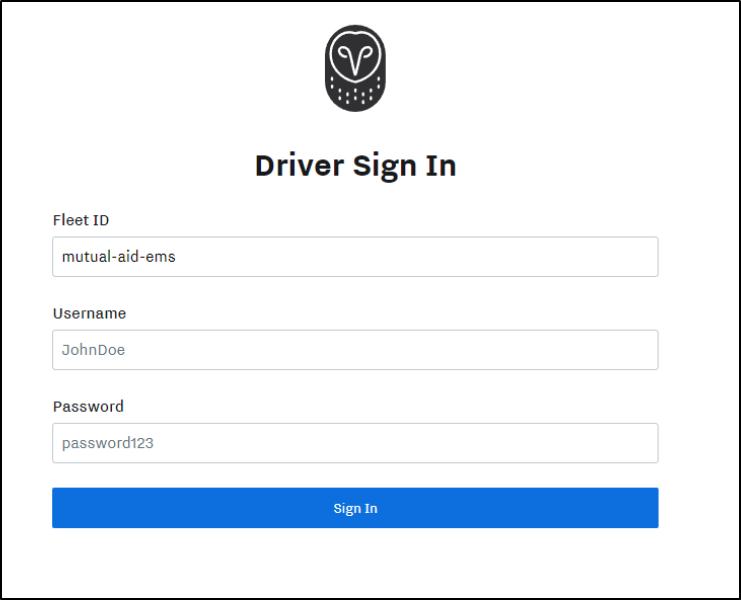
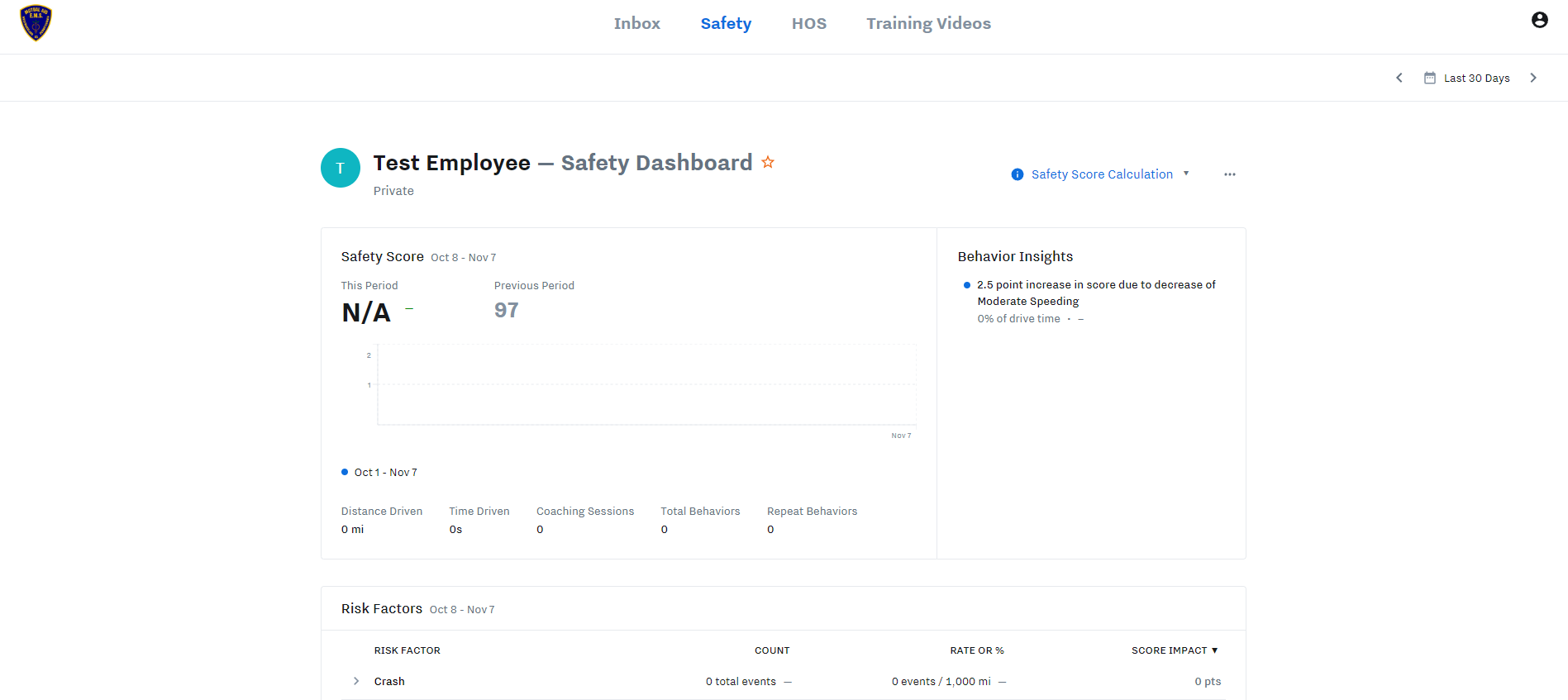
This is the Samsara Dashboard.
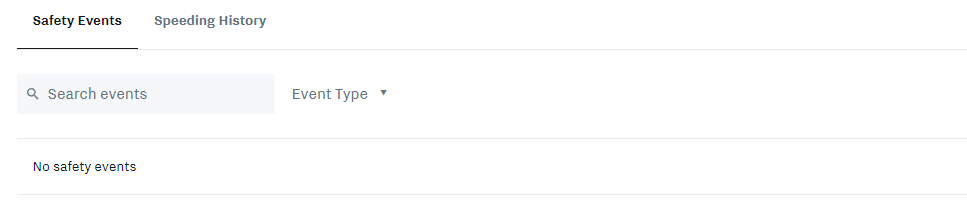
Safety Tab
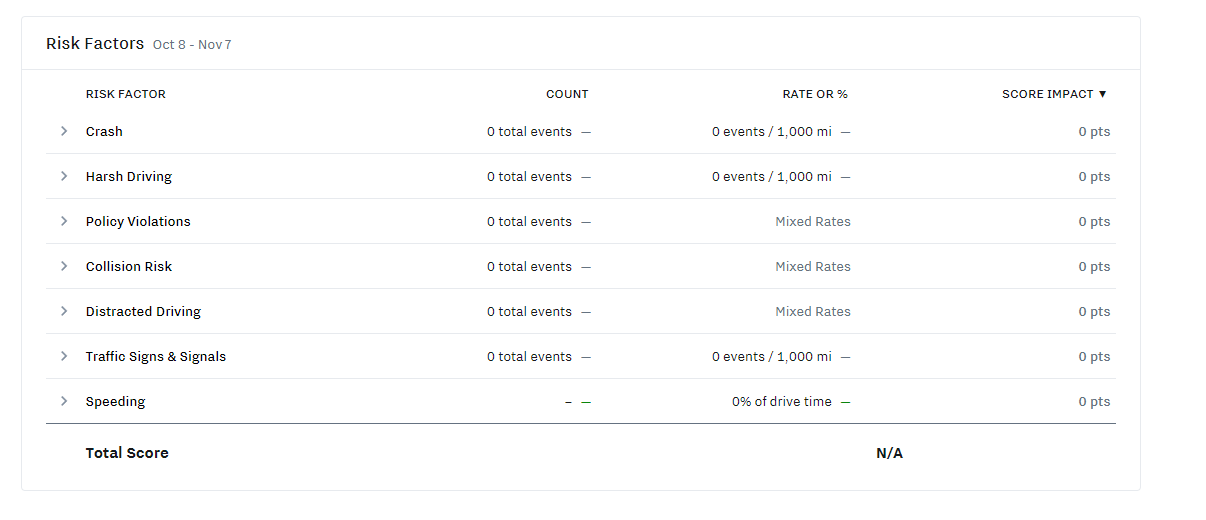
You can see your score once you have one, your Risk Factors, Safety Events, and Speeding History.
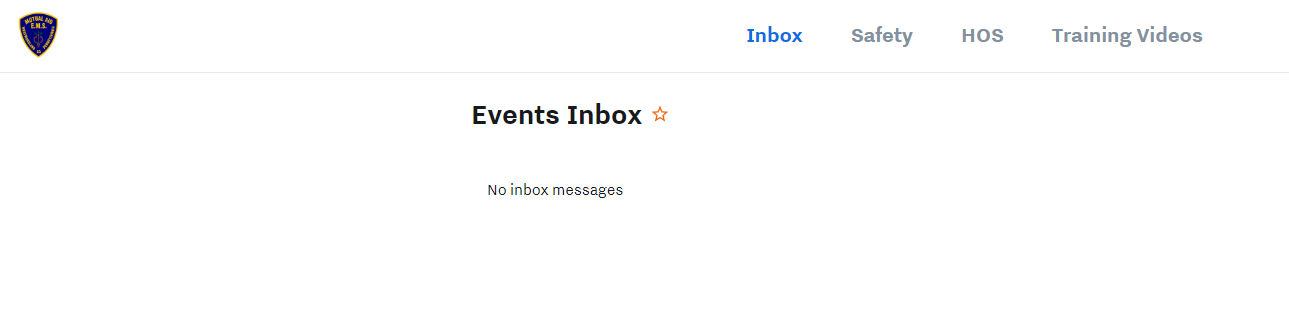
Inbox Tab
You can check you Inbox for driving events and feedback.
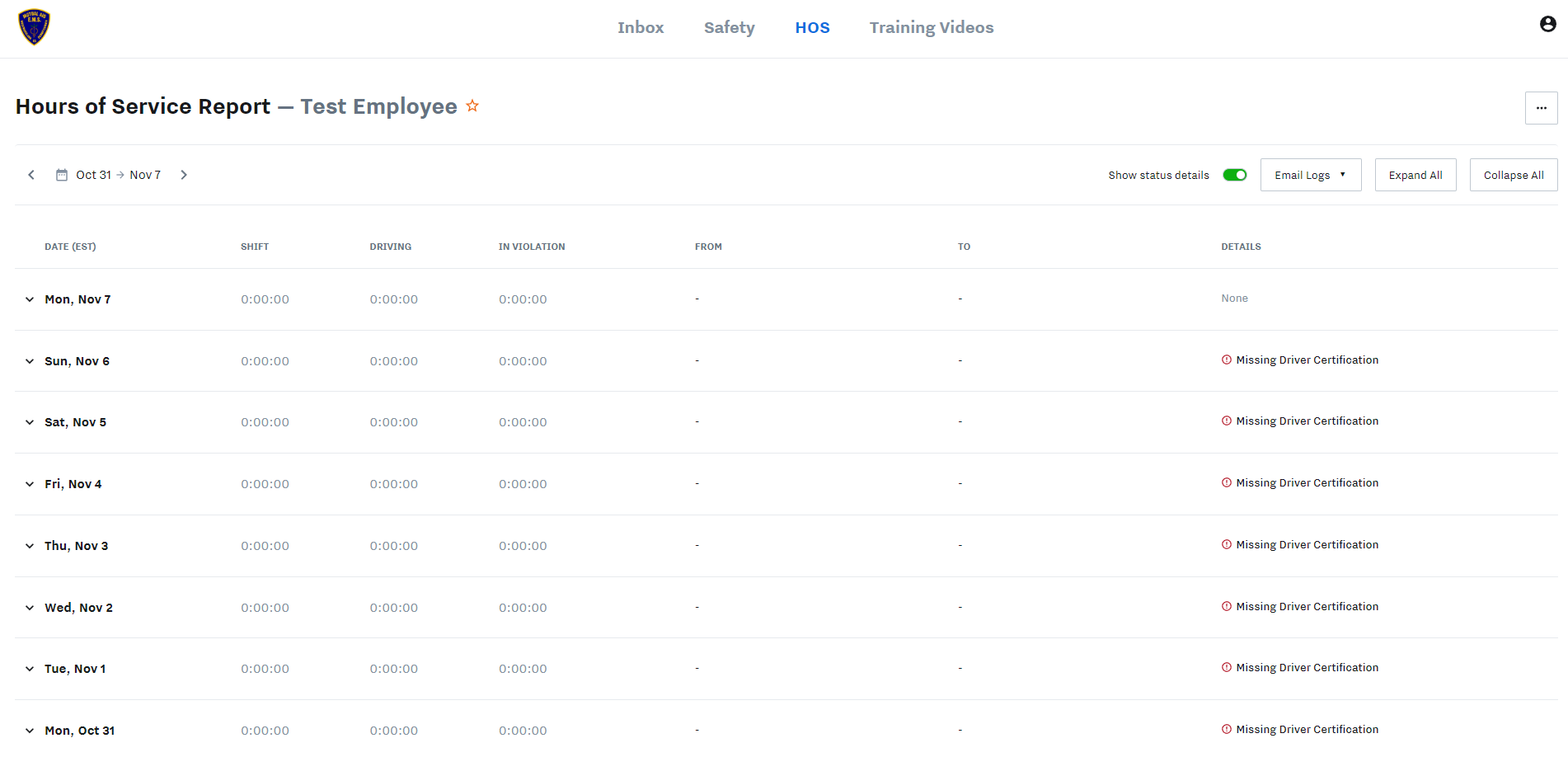
HOS Tab (Hours of Service Report)
Was this article helpful?
That’s Great!
Thank you for your feedback
Sorry! We couldn't be helpful
Thank you for your feedback
Feedback sent
We appreciate your effort and will try to fix the article